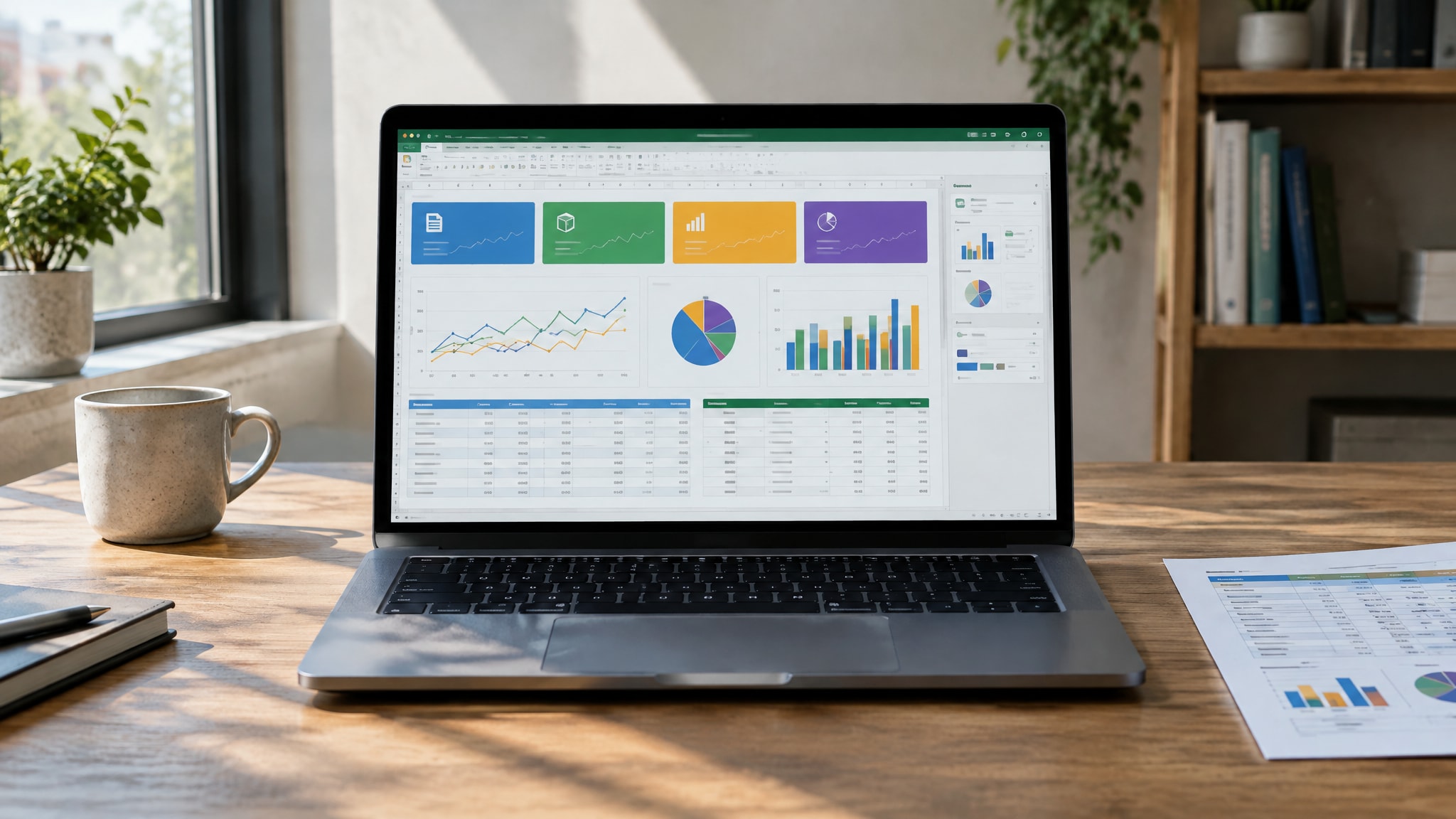
AI Dashboard Generator for Excel: Data, Prompts & Checks
Use an AI dashboard generator for Excel effectively. Prepare clean data, write precise prompts, and verify outputs to build accurate reports fast.
Create Excel spreadsheets, data-driven dashboards, budgets, and reports in minutes. Just describe what you need — CellWorks builds the formulas, structure, and formatting for you. No spreadsheet expertise required.
Free to preview · No account required to try
One studio. More possibilities.
Bring your metrics together with KPI cards and charts.
Build supported formulas from a plain-English goal.
Model revenue, costs and cash flow with clear assumptions.
Track stock, reorder thresholds and inventory value.
Compare planned spending, actuals and variances.
Organize owners, milestones, deadlines and progress.
Example workbooks with sample data, shown with the same preview CellWorks uses for your spreadsheets. Click one to use its prompt — your generated result will differ.
One prompt flows through CellWorks and lands as a finished, exportable spreadsheet.
Write what you need in plain English, or start from an example prompt.
CellWorks builds the sheets, supported formulas and dashboard. Review it free in your browser.
Pro accounts download Excel (.xlsx), CSV or PDF. For Google Sheets, import the .xlsx file manually.
Choose the plan that works best for you. Build professional spreadsheets with AI and download Excel, CSV or PDF. To use Google Sheets, manually import the downloaded Excel file.
All prices are shown in USD. Applicable taxes are calculated at checkout based on your billing location.
Cancel anytime. Secure payments powered by Stripe.
Secure checkout · Multiple payment options


Practical guides to help you master Excel, automate spreadsheets, and build smarter dashboards with AI.
Use an AI dashboard generator for Excel effectively. Prepare clean data, write precise prompts, and verify outputs to build accurate reports fast.
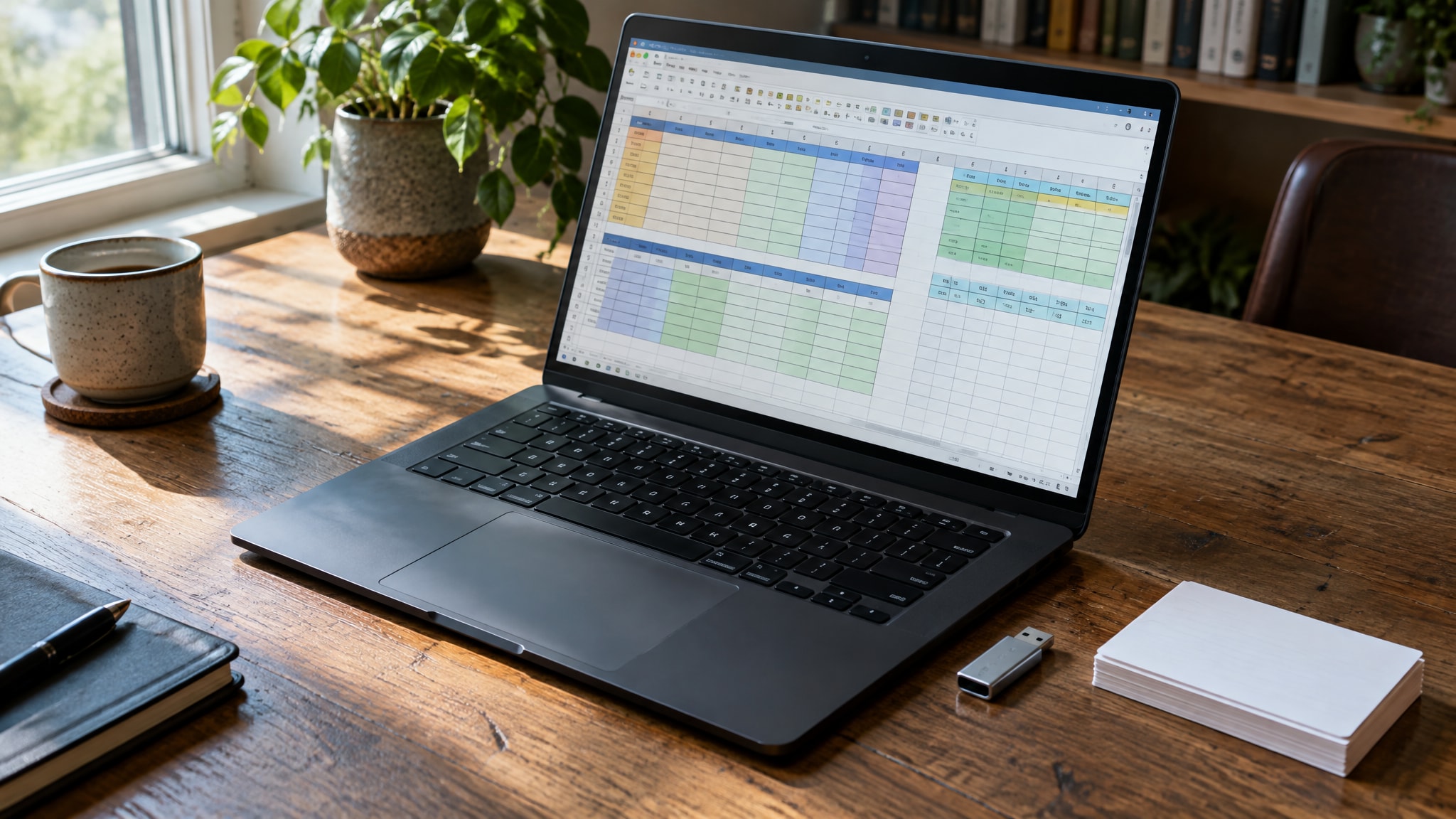
Use an AI Excel spreadsheet generator to build complete .xlsx files from prompts. Get formatted workbooks with logic and charts ready to download.

Learn how to choose a spreadsheet dashboard tool that fits your needs. Compare manual builds, no-code options, and AI generators for 2026 workflows.
Works ecosystem
Unlock CellWorks, CVWorks and the growing Works ecosystem with one All Access subscription.
Explore WorksHubAll Access is offered by WorksHub. See workshub.app for availability and details.